$29
Save 5% with a promo code.
Details
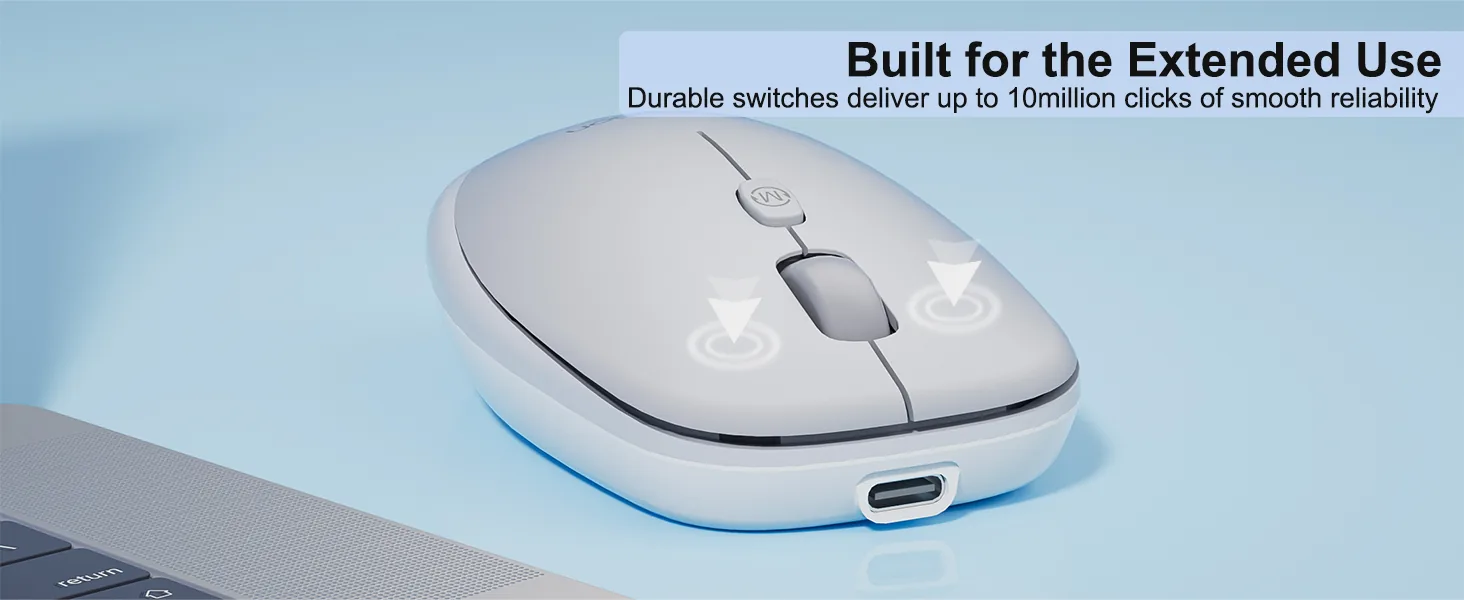
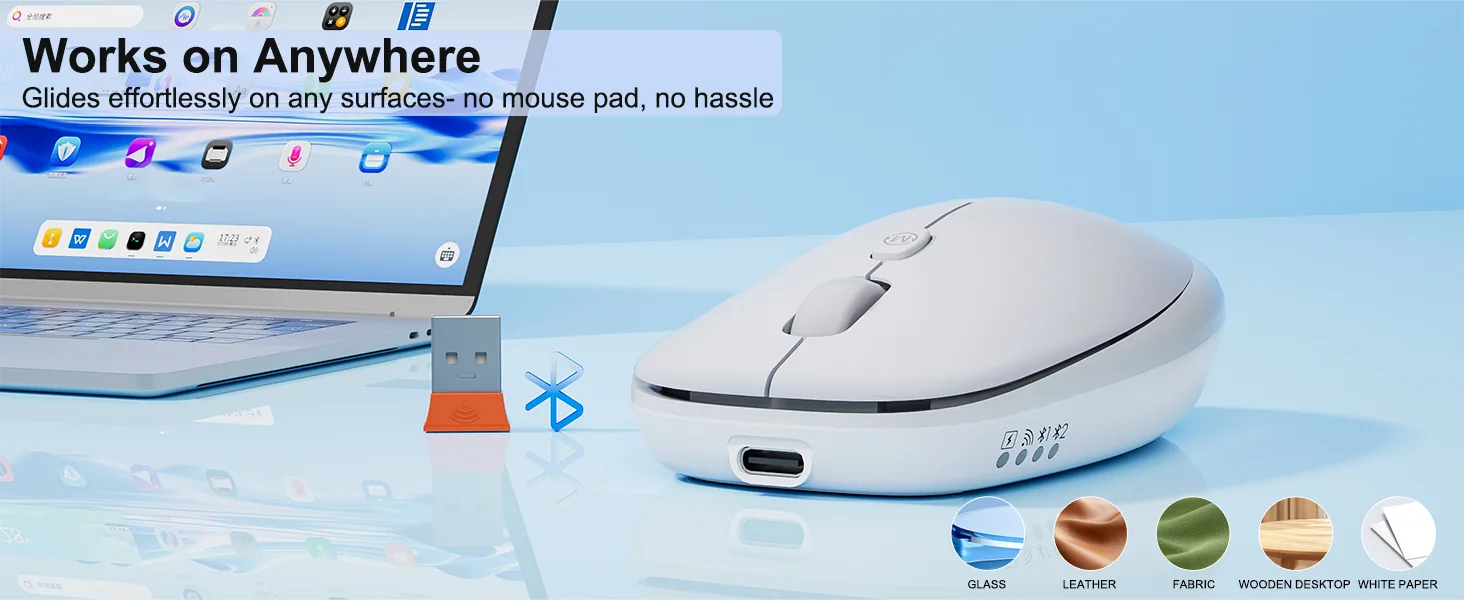
Glass Surface Compatibility, no mouse pad needed 2. ABS material 3. 500mAh battery, 1.6h charging for 100h working 4. Windows/MacOS support 5. 10M times Huano long life silent switch 6. 800-6000 DPI 7. 100*62*32mm / 57g
Color: White
In stock
System Compatible
System compatible Win XP/7/8/10/11, Vista, MacOS.
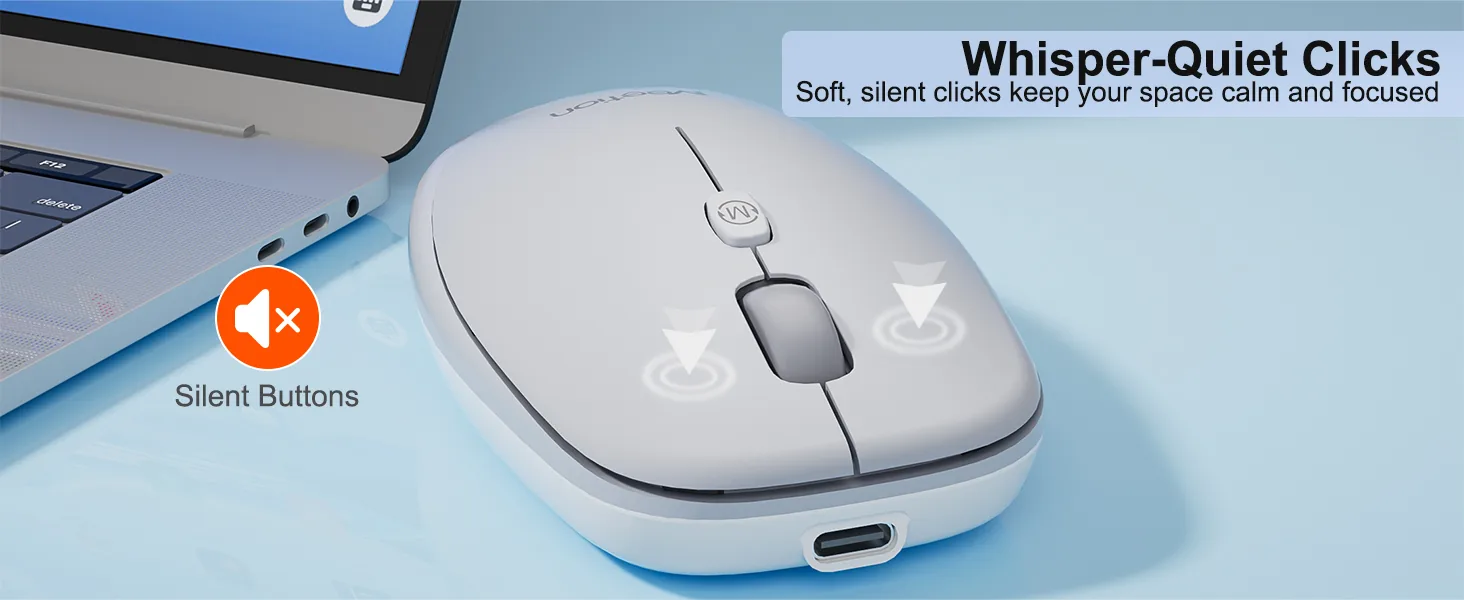
Mute Button Design
The mouse buttons are silently designed, whether in a quiet office, Studying in the library or working late at night will create a comfortable keystroke environment for you.
Built-in Battery
The new generation 500mAh built-in battery of low-power energy-saving technology, more energy-saving for 100h and benefits for environmental protection.
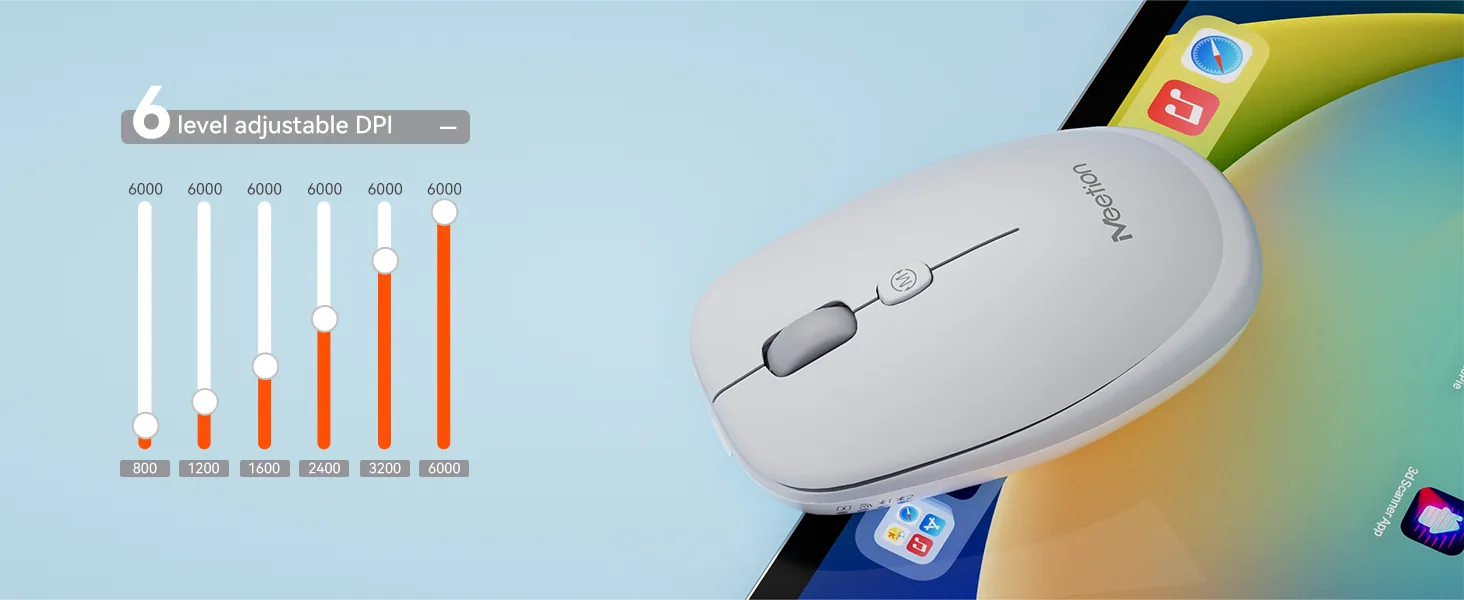
6 Adjustable DPI Level
Customize your cursor speed with 6 DPI settings for ultimate accuracy. Choose from 800~6000 for pinpoint accuracy across tasks.
TYPE-C Charging Port
Equipped with a modern Type-C interface for quick and reliable power delivery in 1.6h Supports fast,stable charging through an easy-to-use Type-C connection
Dual Mode Wireless Connectivity
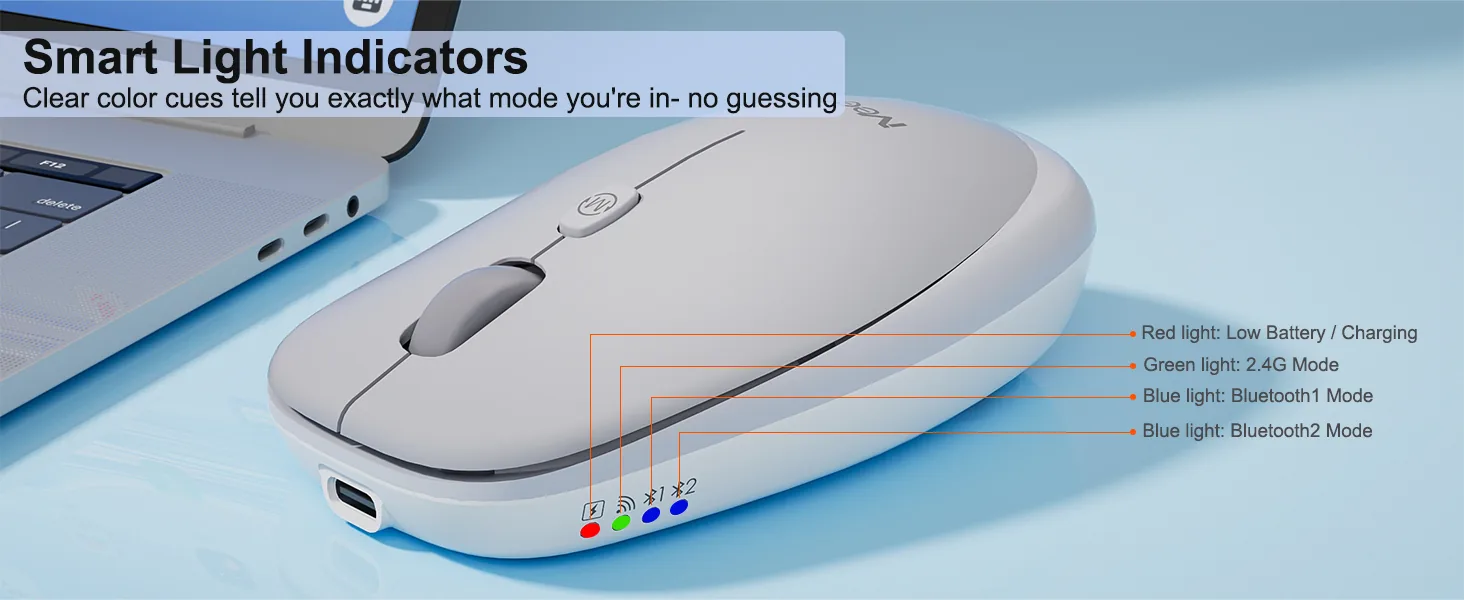
Can be connected to tablets, laptops and other smart devices by 2.4G and Bluetooth two channel, effective connection within 10 meters.

Customer Reviews
Based on 6 reviews
- 5★
- 4
- 4★
- 2
- 3★
- 0
- 2★
- 0
- 1★
- 0
No reviews match this filter.
Reviews are limited to verified buyers. Sign in with the email you ordered with and submit from your order page.
Help & Support
What DPI settings does the Anywhere1 Wireless Mouse support?
It supports 800-1200-1600-2400-3200-6000 DPI.
How does the Anywhere1 Wireless Mouse connect?
It connects via 2.4 GHz Wireless / Bluetooth.
Which operating systems are supported?
It supports Windows/MacOS.
Which devices is the Anywhere1 Wireless Mouse compatible with?
- Windows: Yes
- macOS: Yes
- Interface: USB-C
Where can I download the Anywhere1 Wireless Mouse user manual?
Download the Anywhere1 Wireless Mouse user manual. The page lists the languages and file size.
Need help with this product?
Submit an after-sales request with your order details, or browse manuals, software and setup videos.
Manuals & downloads
User manuals
Anywhere1 User Manual
English7.0 MBAnywhere1 User Manual
EspañolAnywhere1 User Manual
PortuguêsAnywhere1 User Manual
Русский