$29
Save 5% with a promo code.
Details
Ergonomic mouse 60° for RIGHT hand ABS Plastic,112*83*70mm Bluetooth + 2.4G wireless/ rechargeable/ RGB backlight 6+1 Buttons/ Max.2400DPI Silent Switch Gift box: 100*74*132mm
Color: Black
In stock
Windows (windows XP / Vista / 7 / 8 / 10 /11/ Server 2003 / 2000 ,etc)
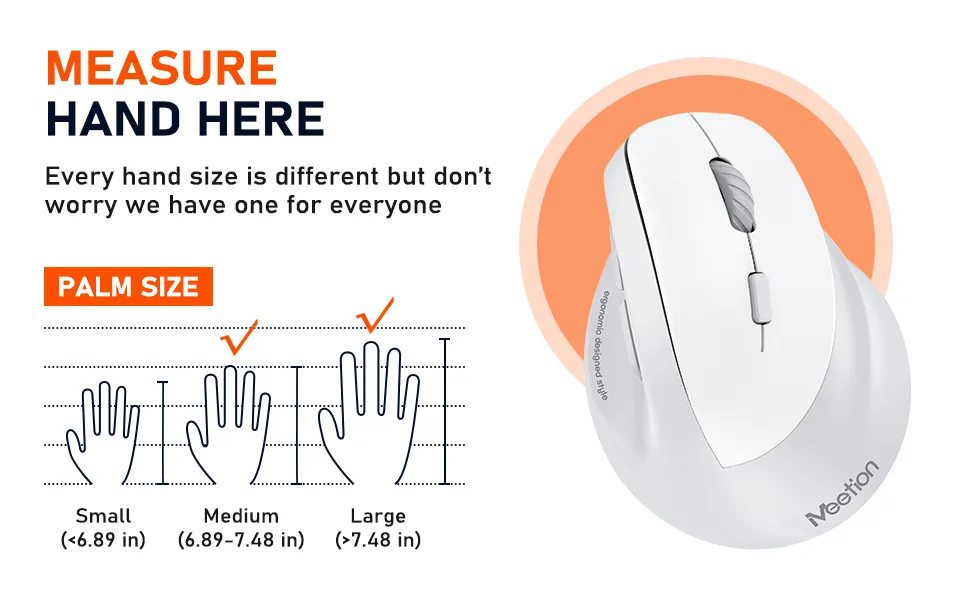
ln 2.4G mode: for desktop computers, notebook computers, laptop, smart TV with USB interface, etc In bluetooth mode: for desktop computers, notebook computers, tablet, iPad, mobile phone, smart TV, etc Our is designed to accommodate both large and medium-sized hands. With its vertical shape and comfortable grip, it provides a natural fit that reduces strain and fatigue, making it ideal for extended use. Whether you have large or medium-sized hands, our mouse is built to provide a comfortable and precise experience, making it the perfect choice for anyone who values comfort and precision.ergonomic wireless mouse
Feature:
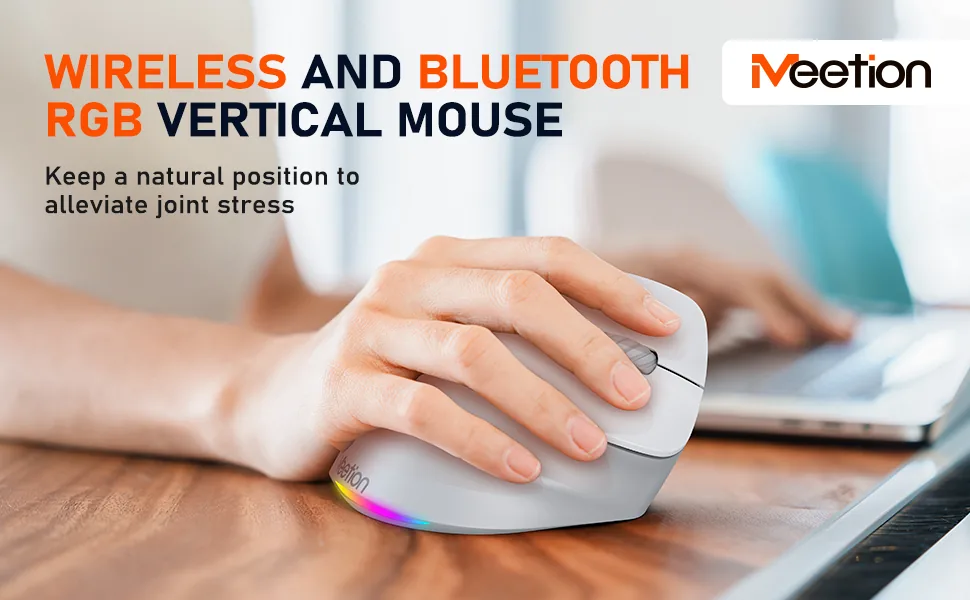
Ergonomic design for comfortable use. Dual connectivity with Bluetooth 5.2+ 3.0 and 2.4G wireless (with type-c adapter). RGB illumination for a dark atmosphere. Rechargeable battery for continuous use. USB-A receivers and type-c adapter for versatile compatibility. 4 adjustable DPI levels (800-1200-1800-2400) for precise control. Dedicated forward and backward buttons for easy web navigation. Noise-reducing design for shared workspaces or quiet environments. Note: BTM010 mouse does not allow you to manually adjust the color of the light, but you can turn the light off and on by pressing the DPI for 3 seconds. Left-handed Ergonomic Vertical Mouse [2.4G USB-A + Type-C Adapter & Bluetooth 5.2 + Bluetooth 3.0]
Customer Reviews
Based on 4 reviews
- 5★
- 2
- 4★
- 2
- 3★
- 0
- 2★
- 0
- 1★
- 0
No reviews match this filter.
Reviews are limited to verified buyers. Sign in with the email you ordered with and submit from your order page.
Help & Support
Where can I find the BTM010R user manual?
The full BTM010R user manual is available on our manuals page — download the BTM010R manual.
Sensor, DPI range and connection modes for this model are listed on the BTM010R product page.
Need help with this product?
Submit an after-sales request with your order details, or browse manuals, software and setup videos.
Manuals & downloads
User manuals
BTM010R User Manual
English3.1 MBBTM010R User Manual
EspañolBTM010R User Manual
PortuguêsBTM010R User Manual
Русский