FionaVerifizierter Kauf
Works with the iPad too
Paired it to my iPad for note taking on the train and it behaves the same as on the laptop. Cursor control is smooth and the scroll works in every app I tried.
29 €
Sparen Sie 5% mit einem Gutscheincode.
Details
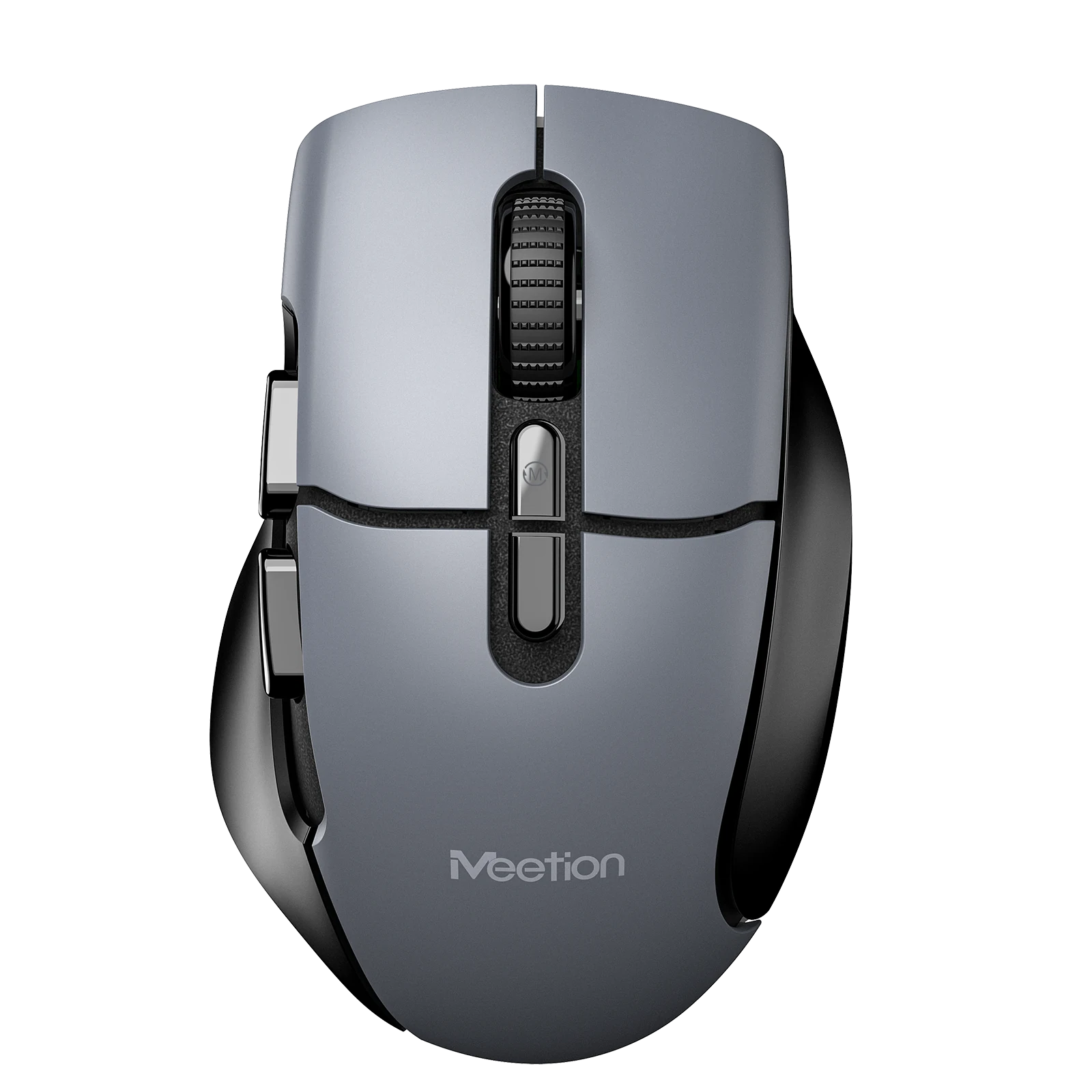
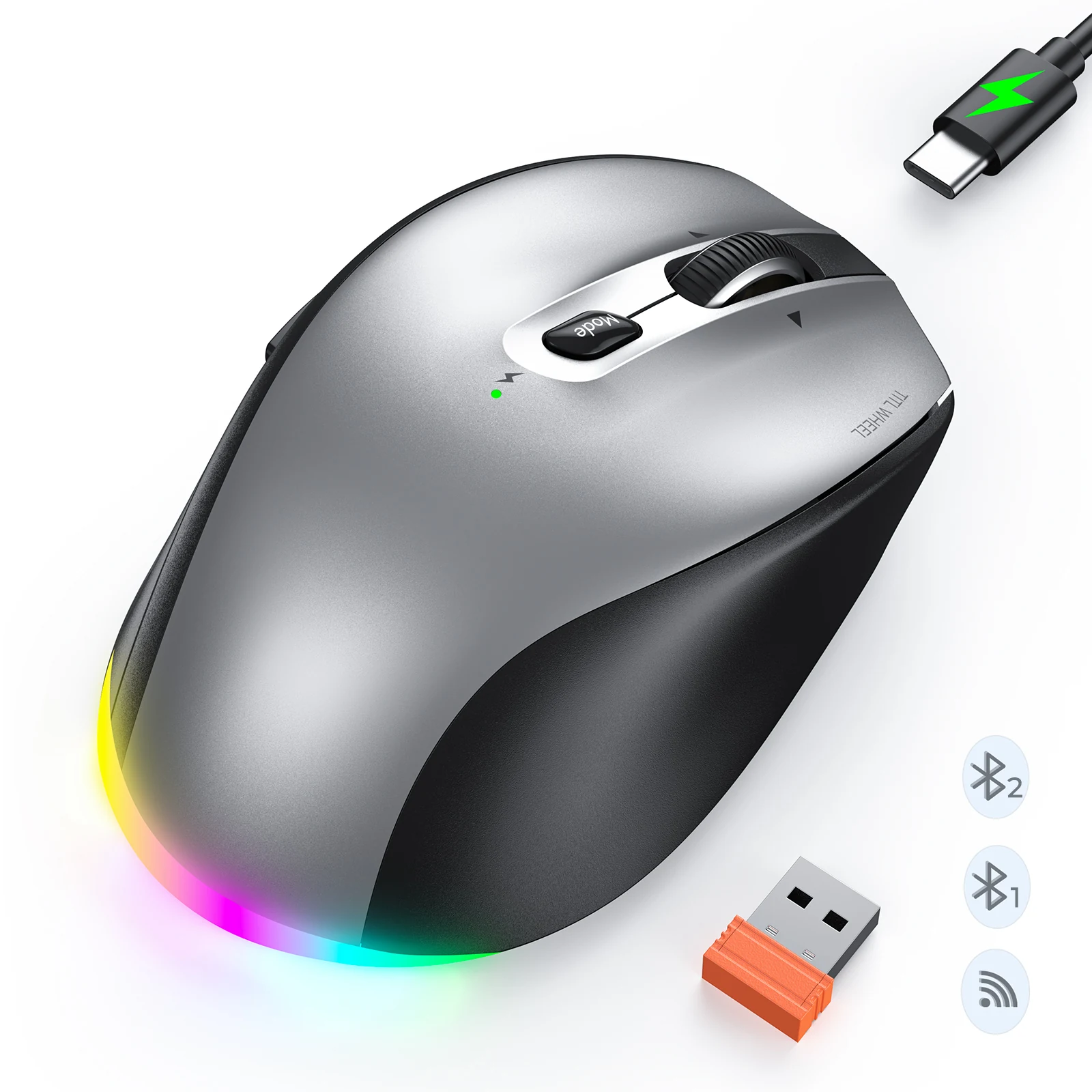
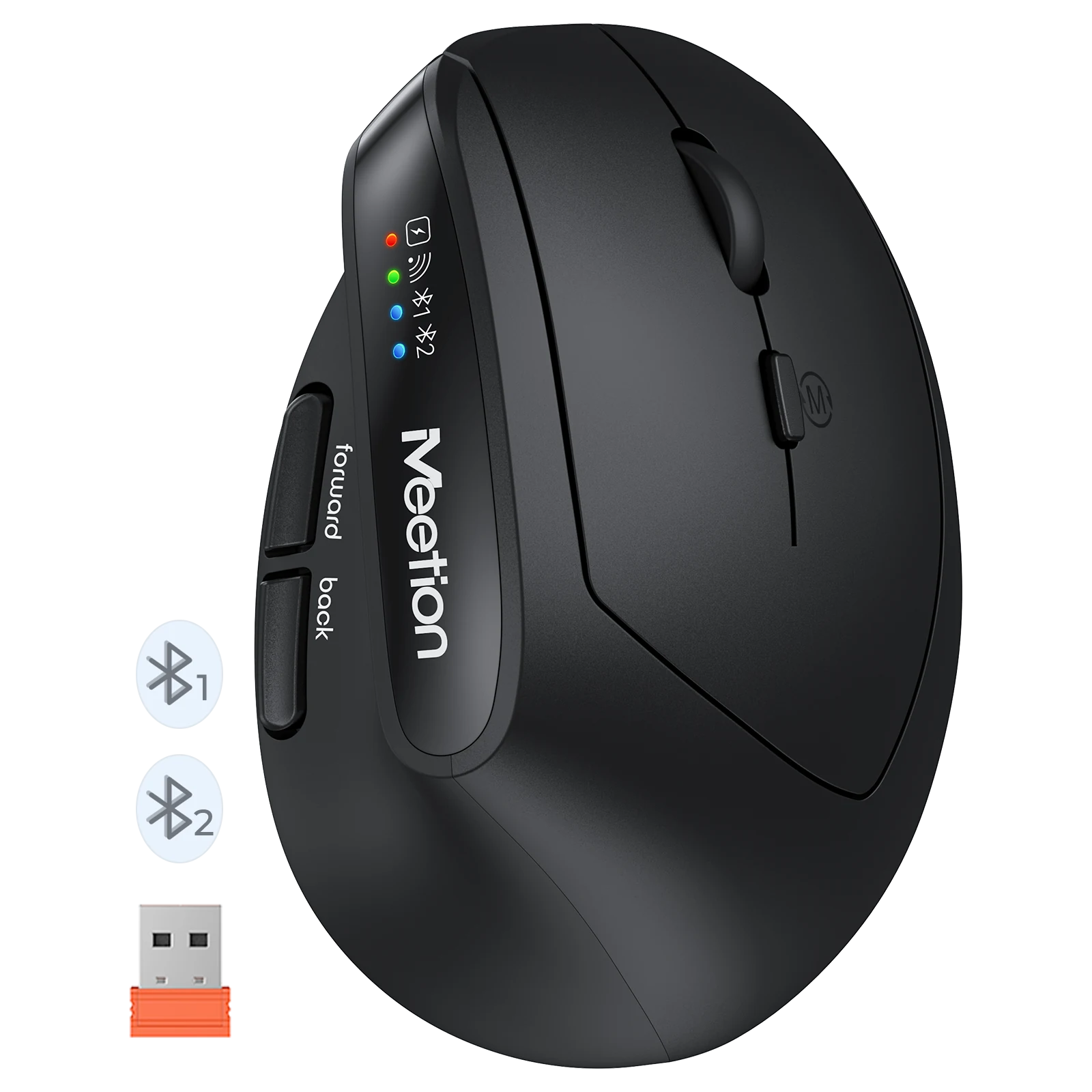
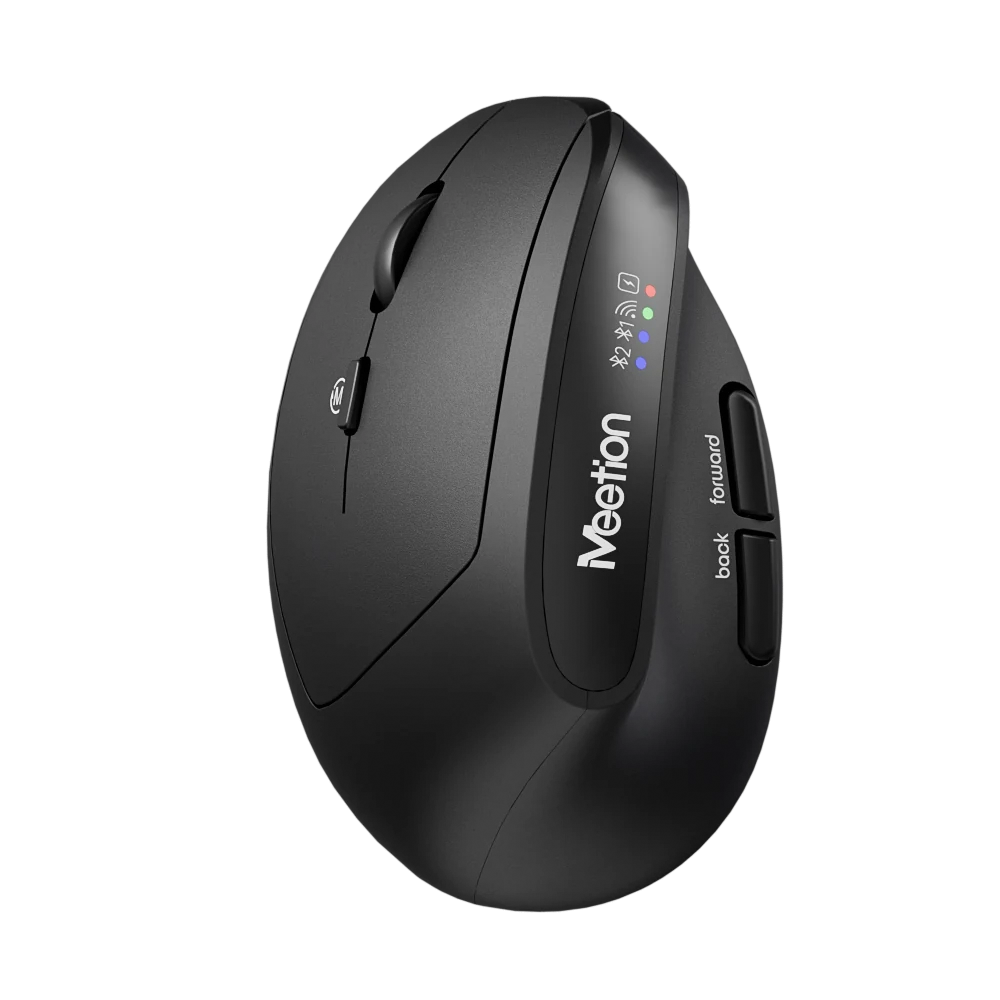
Geeignet für Glasoberflächen, kein Mauspad erforderlich 2. ABS-Material 3. 500mAh-Akku, 1.6h Ladezeit für 100h Laufzeit 4. Windows/macOS-Unterstützung 5. Leiser Huano-Schalter mit langer Lebensdauer, 10M Betätigungen 6. 800-6000 DPI 7. 100*62*32mm / 57g
Farbe: White
Auf Lager
Basierend auf 6 Bewertungen
1–6 von 6 Bewertungen
Paired it to my iPad for note taking on the train and it behaves the same as on the laptop. Cursor control is smooth and the scroll works in every app I tried.
Three people use the same workstation on rotation. Everyone finds it comfortable and nobody has to re-pair anything because it stays connected to the dock.
Plugged the receiver in, moved it, done. I have had enough of driver installs that want an account and a background service. This one just behaves like a mouse should.
Shape, battery, and connection are all solid. The wheel has almost no tactile step, which I still miss after a month. If you like a clicky wheel, try it before committing.
No complaints about tracking or comfort. The USB receiver is about the size of a fingernail, so it lives in the battery compartment whenever the mouse is in my bag. Nearly lost it in a hotel room once.
Two computers on one desk. The button on the bottom moves between them in under a second and it remembers after a reboot. No dongle swapping, no re-pairing.
Bewertungen sind auf verifizierte Käufer beschränkt. Melden Sie sich mit der E-Mail-Adresse an, mit der Sie bestellt haben, und senden Sie die Bewertung von Ihrer Bestellseite aus.
It supports 800-1200-1600-2400-3200-6000 DPI.
It connects via 2.4 GHz Wireless / Bluetooth.
It supports Windows/MacOS.
Download the Anywhere1 Wireless Mouse user manual. The page lists the languages and file size.
Brauchen Sie Hilfe zu diesem Produkt?
Senden Sie eine Serviceanfrage mit Ihren Bestelldaten oder sehen Sie Handbücher, Software und Einrichtungsvideos.
Benutzerhandbücher
Anywhere1 Benutzerhandbuch
Anywhere1 Benutzerhandbuch
Anywhere1 Benutzerhandbuch
Anywhere1 Benutzerhandbuch