$19
Details
63g lightweight gaming mouse 2. Tri-mode connection: 2.4G + Bluetooth + Wired 3. Dual system compatibility: Windows / Mac 4. 500mAh rechargeable battery, 2h charging, 40h battery life 5. Adjustable DPI: 800–12800 6. Professional 1000Hz polling rate 7. Support software customization 8. Reliable 8 million clicks switch lifespan 9. Ergonomic design for a comfortable palm fit
Color: Black
In stock
Customer Reviews
No reviews yet. Bought this product? Sign in and share your experience from your order page.
Reviews are limited to verified buyers. Sign in with the email you ordered with and submit from your order page.
Complete Your Setup
Everything in this setup ships together from the same series.
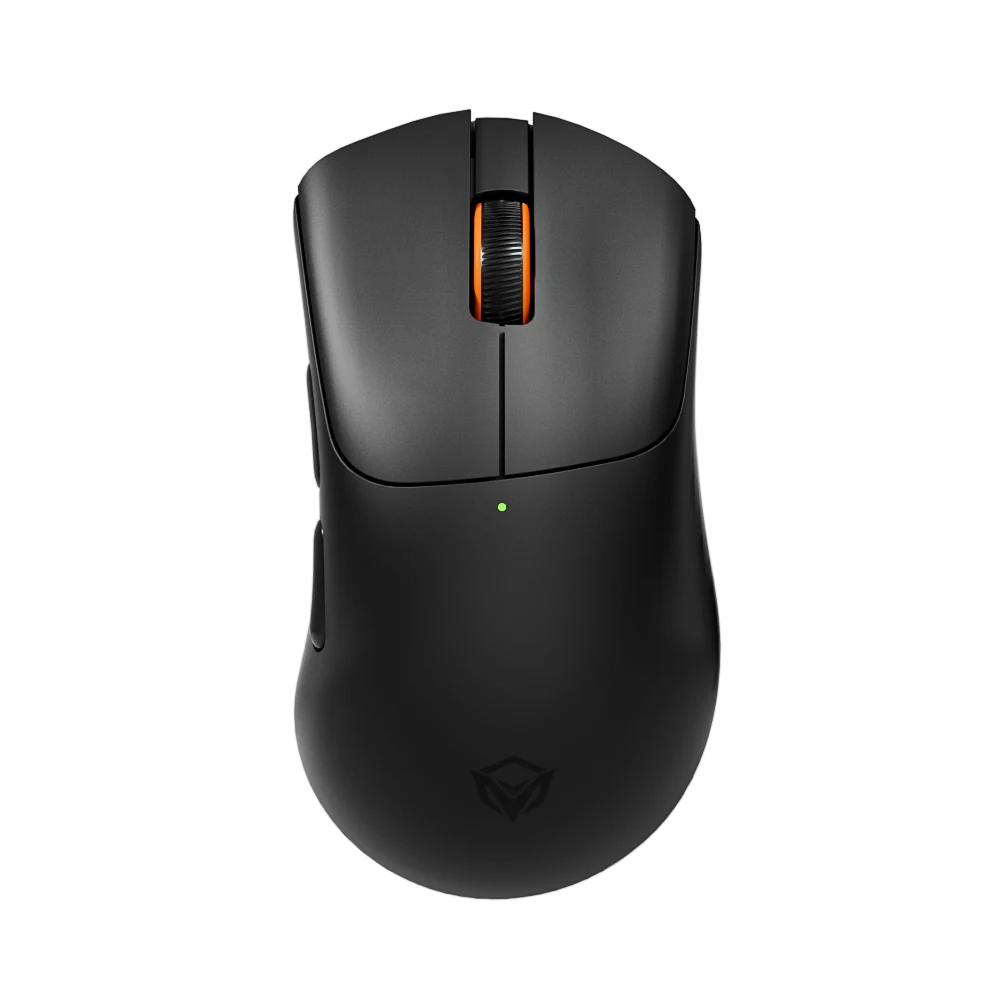
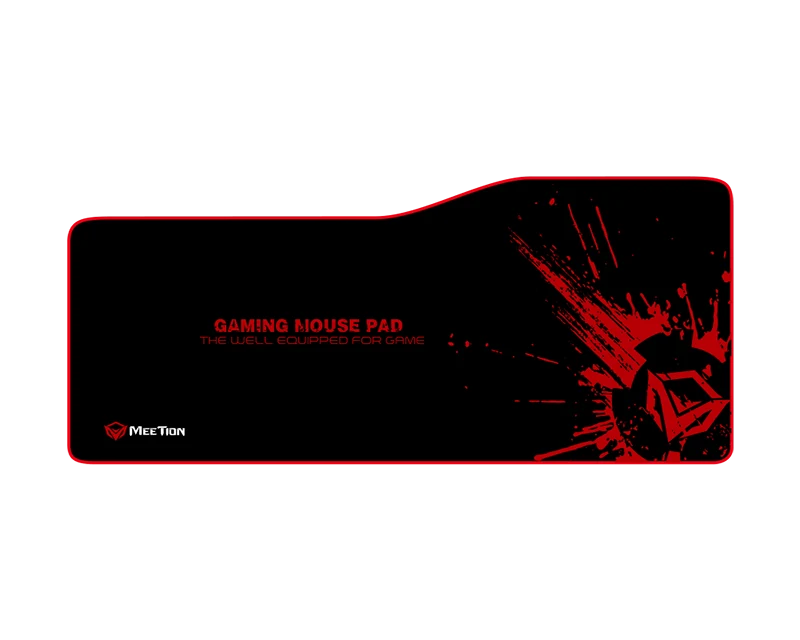
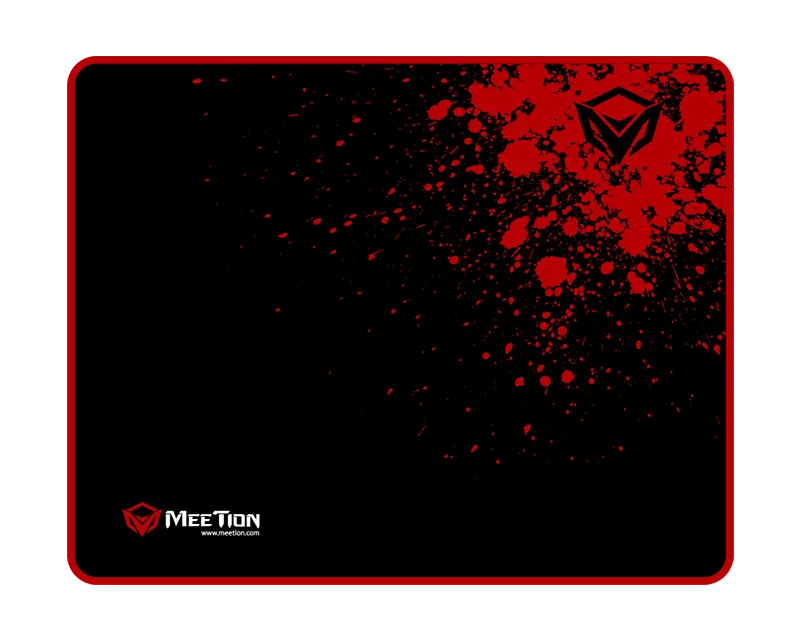
4 items · $46
Help & Support
What DPI settings does the GW13 Advanced Wireless Gaming Mouse support?
It supports 800/1600/2400/3200/6400/12800 DPI.
How does the GW13 Advanced Wireless Gaming Mouse connect?
It connects via USB Wired / 2.4 GHz Wireless / Bluetooth.
What about battery life?
Battery life: 40H.
Which devices is the GW13 Advanced Wireless Gaming Mouse compatible with?
- Windows: Yes
- macOS: Yes
- Interface: USB-C
Where can I download the GW13 Advanced Wireless Gaming Mouse user manual?
Download the GW13 Advanced Wireless Gaming Mouse user manual. The page lists the languages and file size.
Need help with this product?
Submit an after-sales request with your order details, or browse manuals, software and setup videos.
You may also like
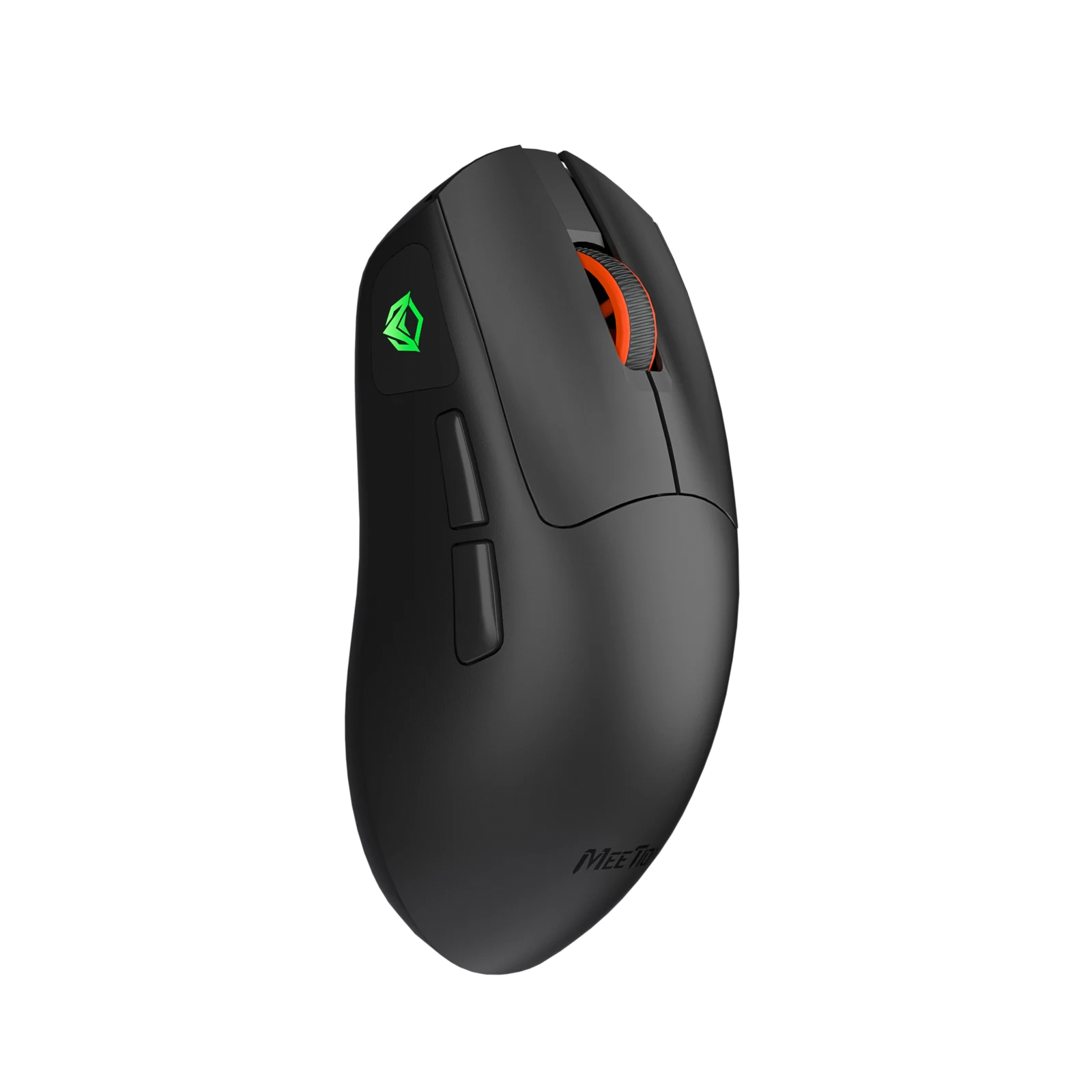
GW12
Advanced Gaming Mouse Wireless
From $19
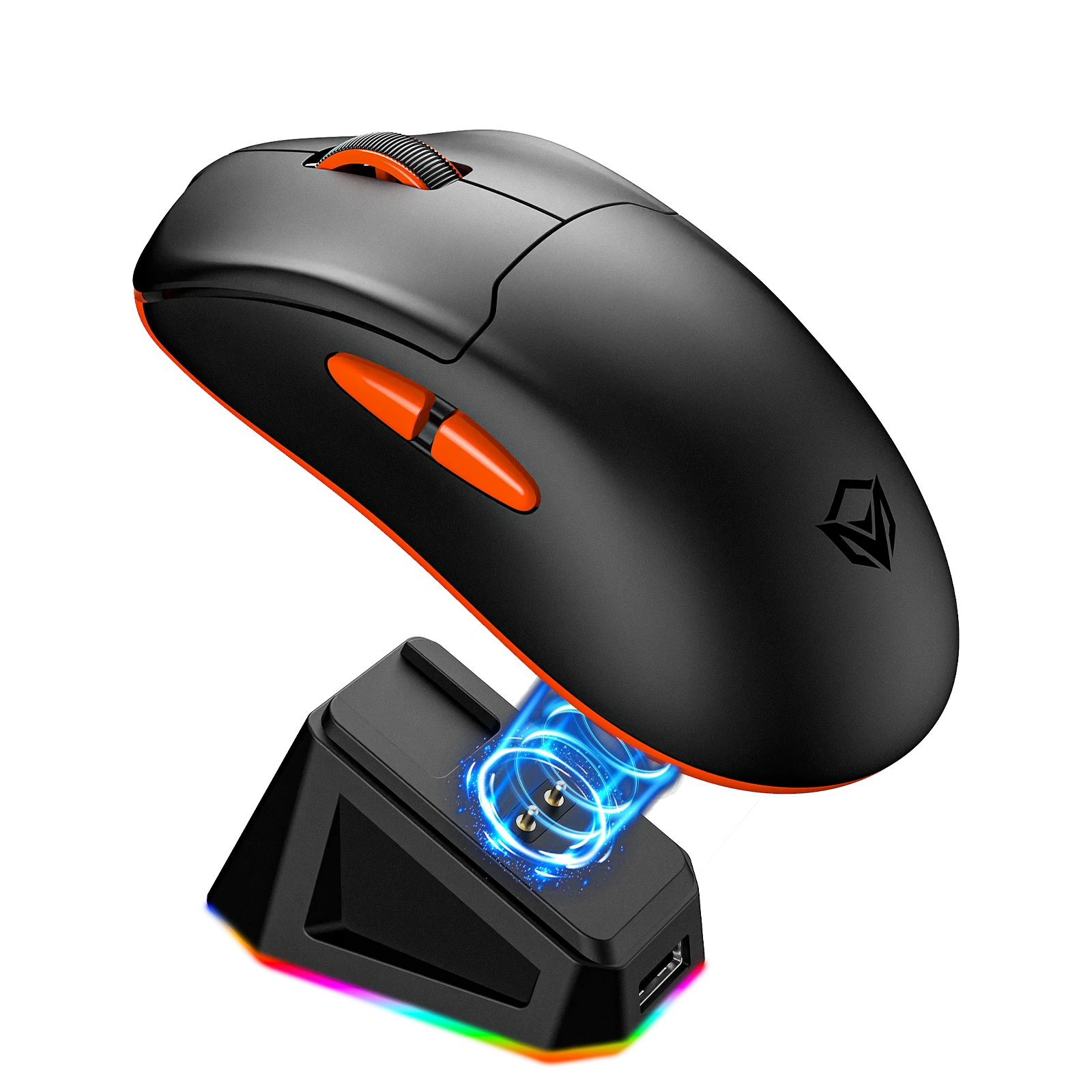
GW39 Pro Wireless Gaming Mouse
Pro Wireless Gaming Mouse with Wired + 2.4G + Bluetooth tri-mode, plug-and-play wired connection, Polling Rate: 8KHz/s (2.4G), 1KHz/s (Wired), 125Hz/s (Bluetooth), and Supports web cloud driver
From $89
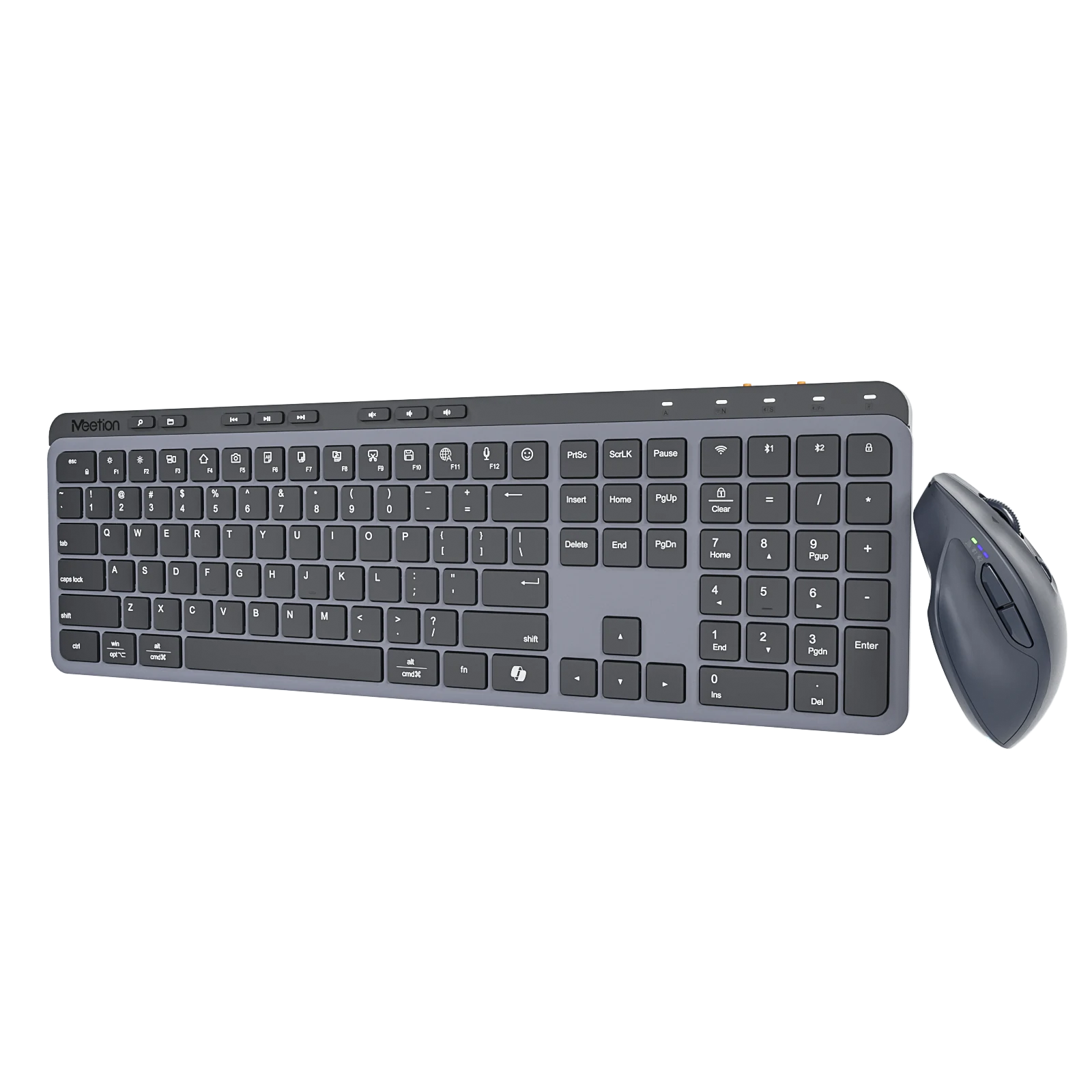
CW330
Master Wireless Combo
From $69
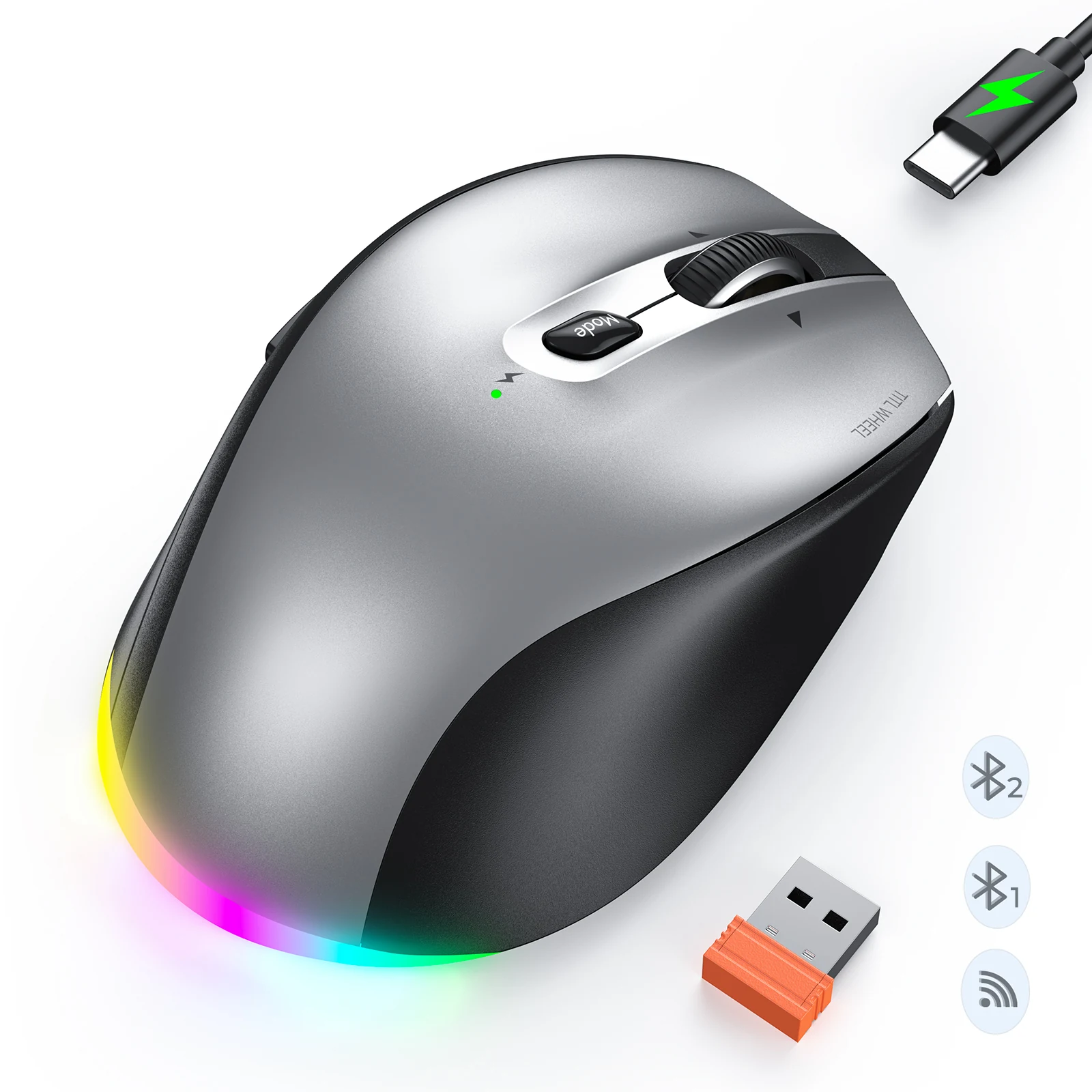
BTM007
Ergo Wireless Mouse
From $19
Manuals & downloads
User manuals
GW13 User Manual
English7.6 MB
Software
- GW13 Mouse Driver SoftwareWindows, 3.8 MBDownload