$59
Details
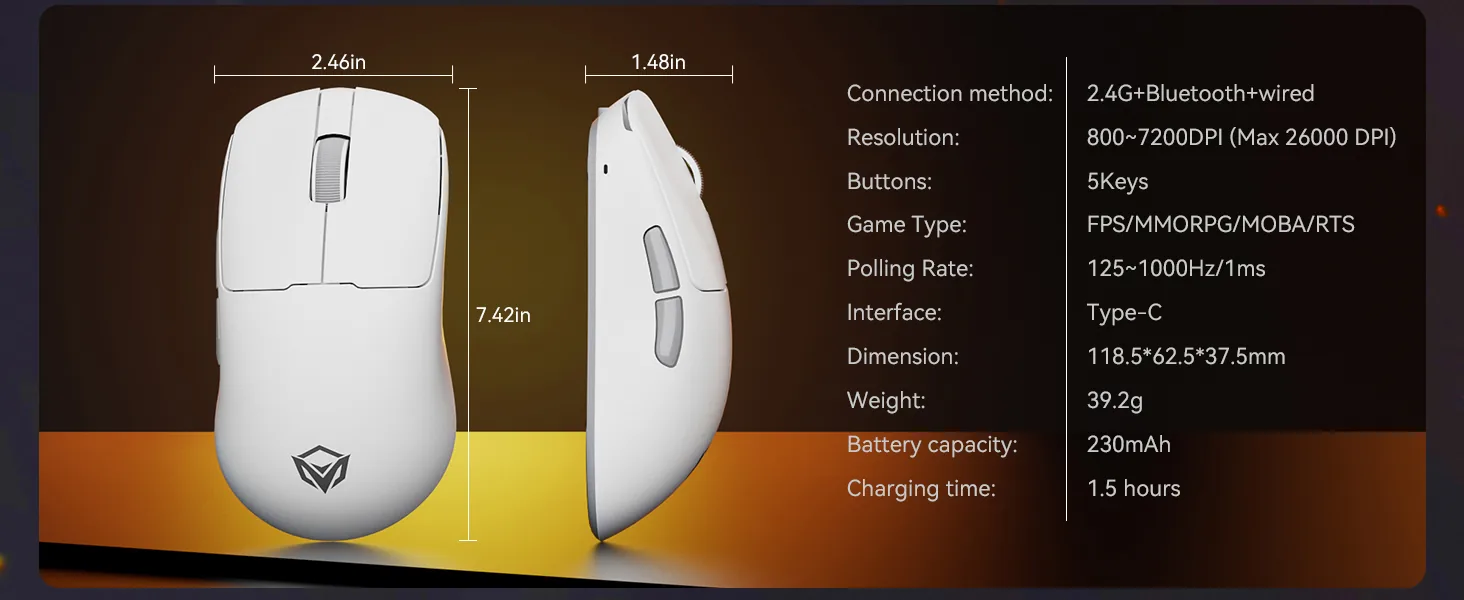
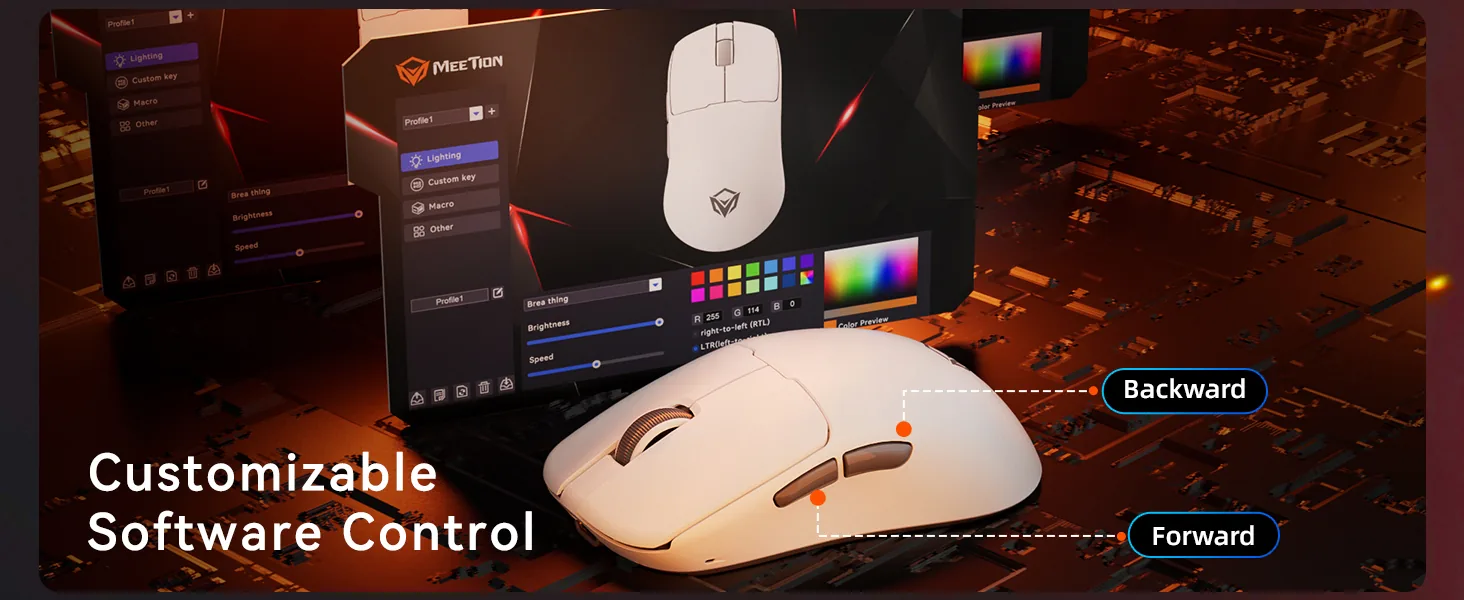
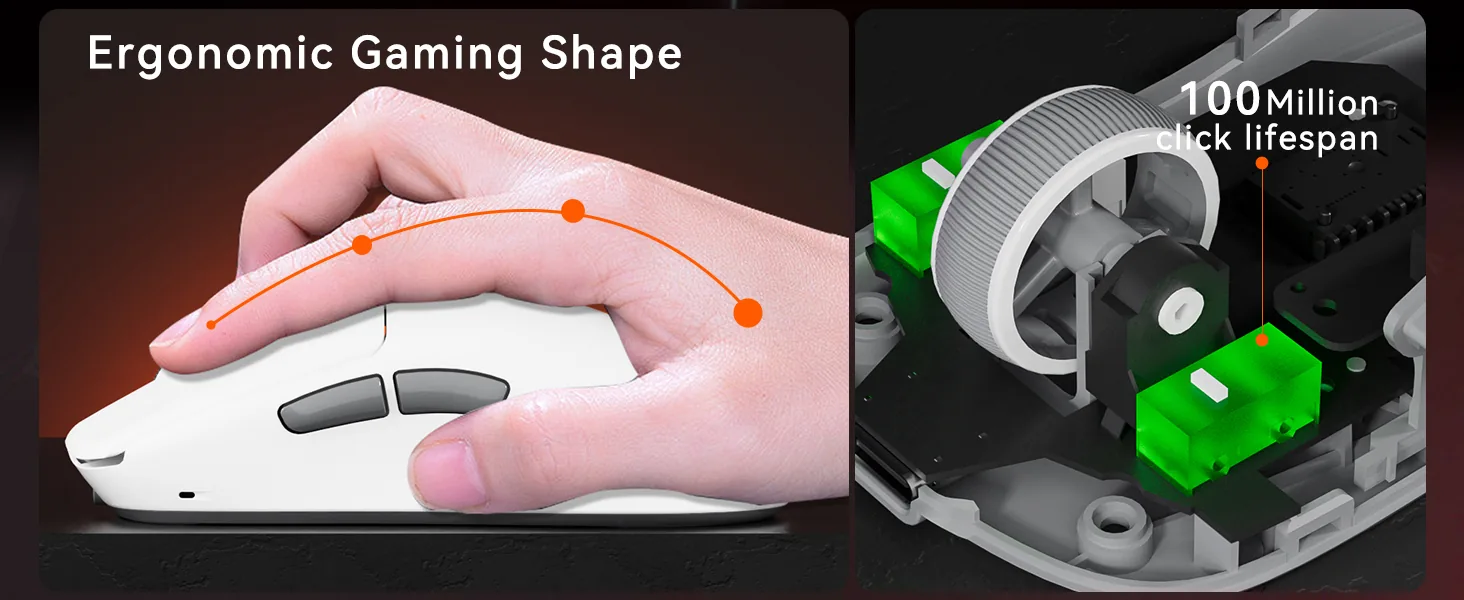
Ultra-Lightweight at 39g 2.Compact Size for Small to Medium Hands (Ideal for Claw Grip) 3.Triple Mode: Wired + 2.4G + Bluetooth, Plug-and-Play Wired Connection 4.Local Driver Support 5.Maximum DPI: 26,000 6.Polling Rate: 1KHz/s (2.4G), 1KHz/s (Wired), 125Hz/s (Bluetooth) 7.Sensor: PAW3395 8.Battery Capacity: 230mAh 9.100 Million Clicks for Left and Right Button Switches
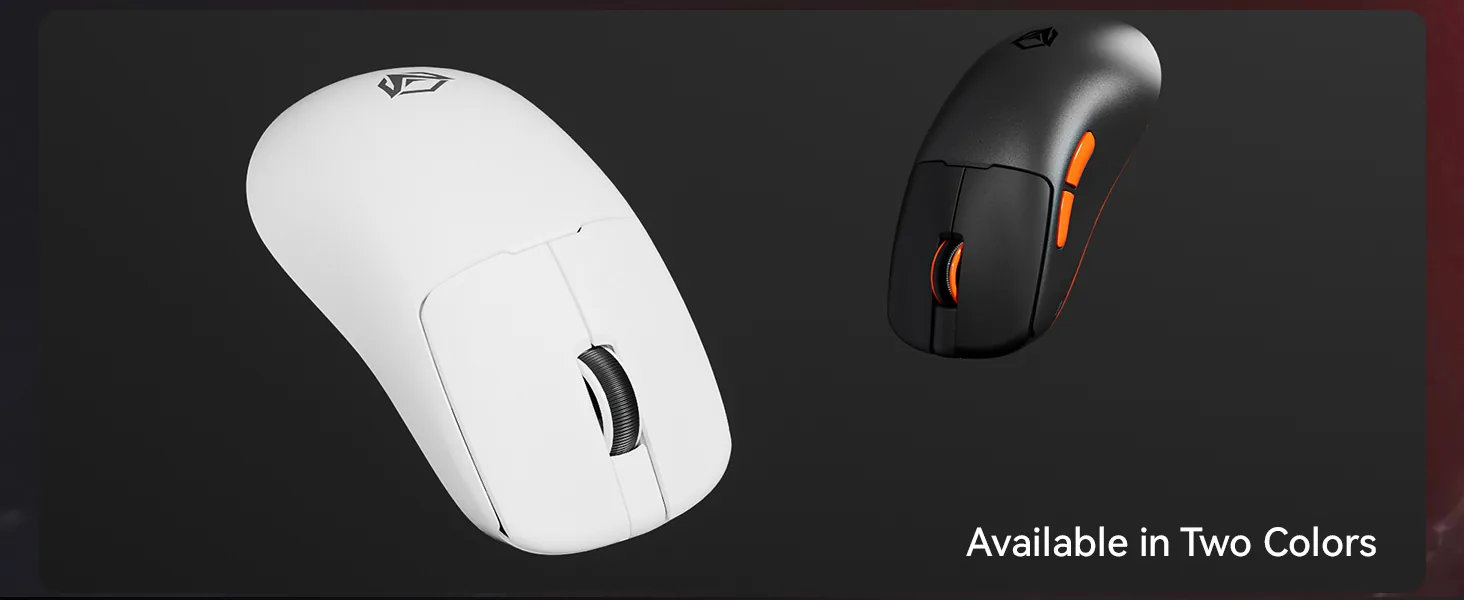
Color: White
In stock
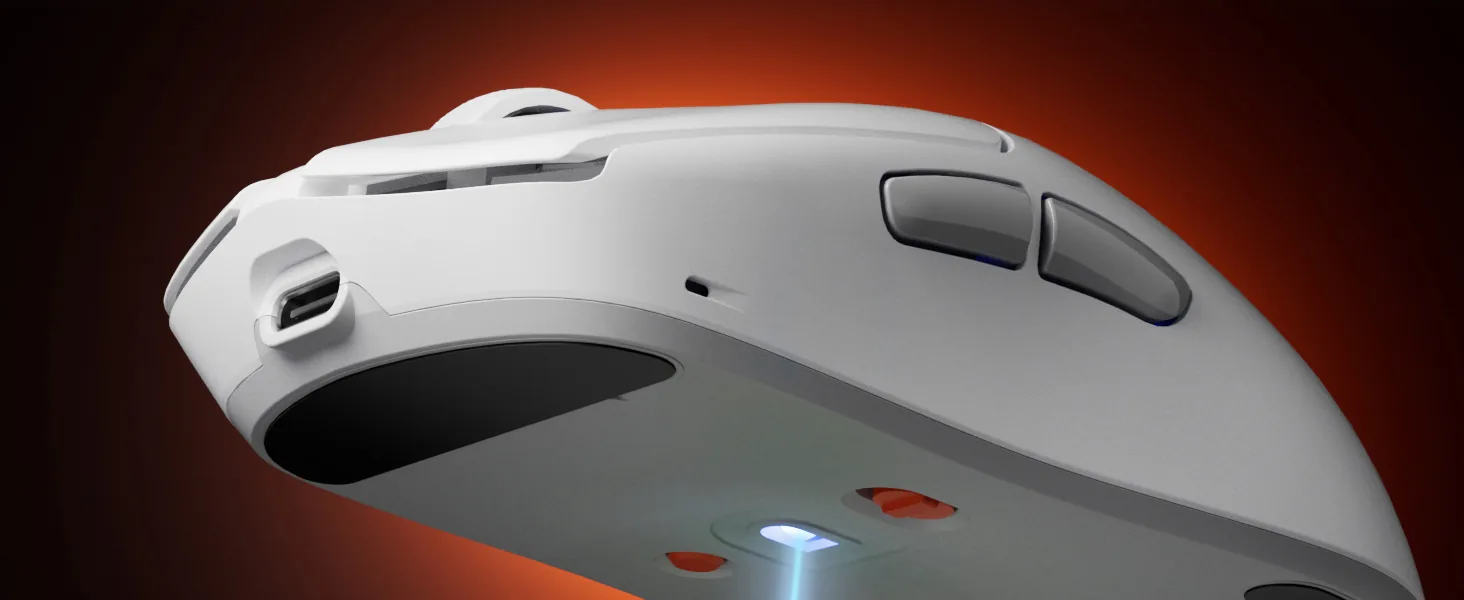
Dual-Mode Wireless Connectivity
2.4G wireless, Bluetooth and wired modes, fast switching between devices, stable and uninterrupted connection
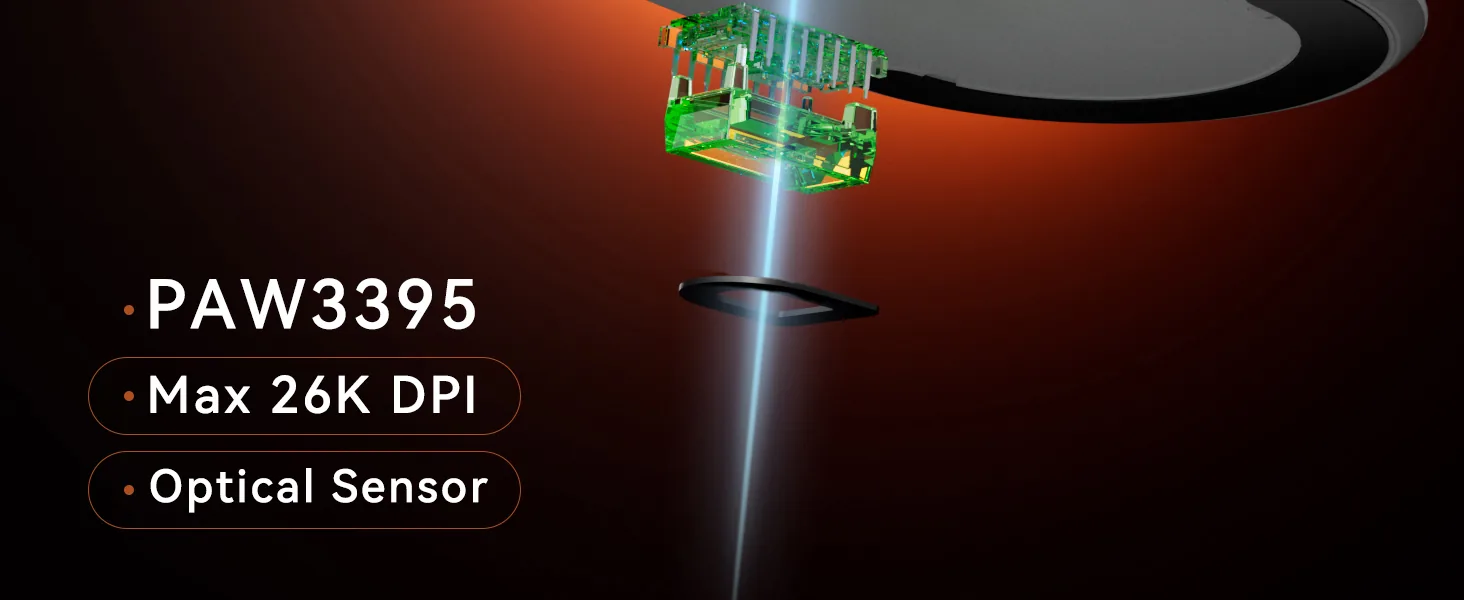
High DPI Range
Six-level DPI range (Max 26,000) for precise control over subtle operations, easily excelling in gaming, creation, and office tasks
Comfortable Ergonomic Design
Stepped key layout conforms to the finger movement curve. Enlarged rounded R-angle keycaps for more stable typing and more comfortable tactile feel .
Rechargable Long-Lasting Battery
With a large-capacity battery, low-power design, longer battery life, play games while charging, uninterrupted gaming.
Lightweight Design
Lightweight design, agile and fast performance. Glide like the wind to enhance the gaming experience.
High-Performance Sensor
PAW3395 sensor, from simple words to intense FPS, meets the delicate micro-manipulation of various scenes

Customer Reviews
Based on 5 reviews
- 5★
- 4
- 4★
- 1
- 3★
- 0
- 2★
- 0
- 1★
- 0
No reviews match this filter.
Reviews are limited to verified buyers. Sign in with the email you ordered with and submit from your order page.
Help & Support
What DPI settings does the GW40_Pro Pro Wireless Gaming Mouse support?
It supports 800~7200DPI (Default) 26,000 (Max) DPI.
How does the GW40_Pro Pro Wireless Gaming Mouse connect?
It connects via USB Wired / 2.4 GHz Wireless / Bluetooth.
What about battery life?
Battery life: 29H.
Which devices is the GW40_Pro Pro Wireless Gaming Mouse compatible with?
- macOS: Yes
- Interface: USB-C
Where can I download the GW40_Pro Pro Wireless Gaming Mouse user manual?
Download the GW40_Pro Pro Wireless Gaming Mouse user manual. The page lists the languages and file size.
Need help with this product?
Submit an after-sales request with your order details, or browse manuals, software and setup videos.
Manuals & downloads
User manuals
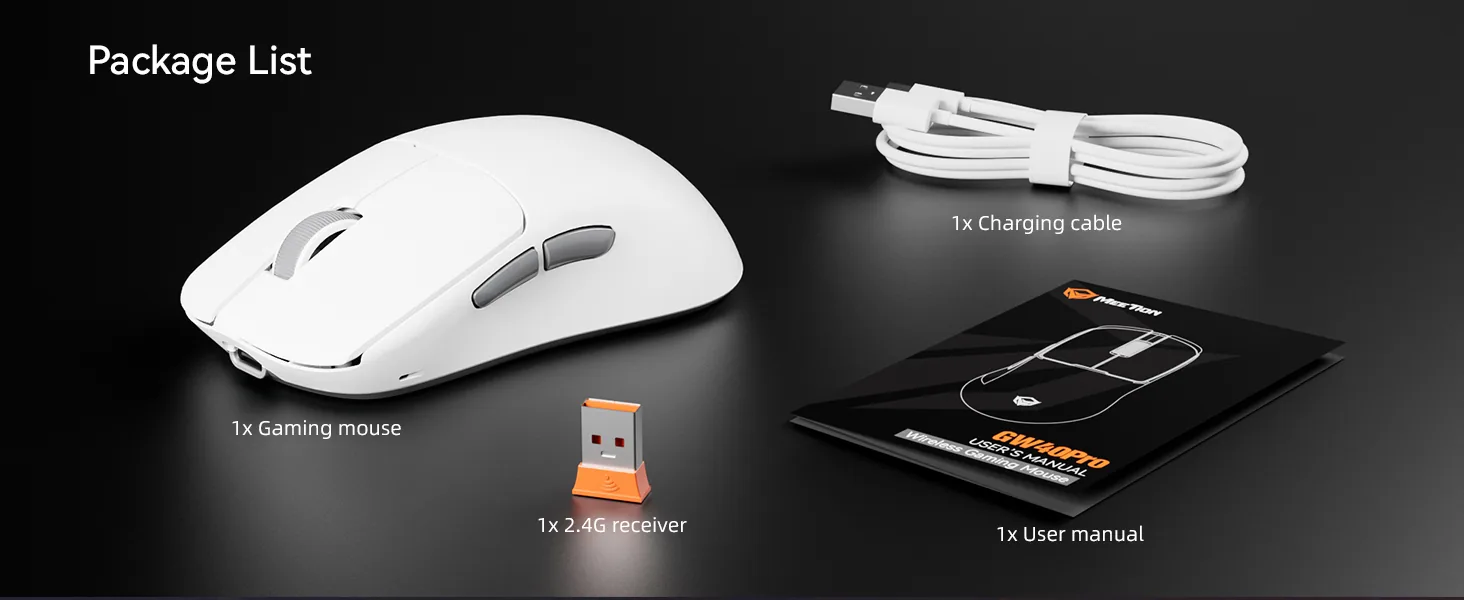
GW40Pro User Manual
English4.2 MB