本文へスキップ

Anywhere3

Anywhere ワイヤレスマウス

(5件のレビュー)

¥6,500

お得5%

プロモーションコードで5%おトクに。

詳細

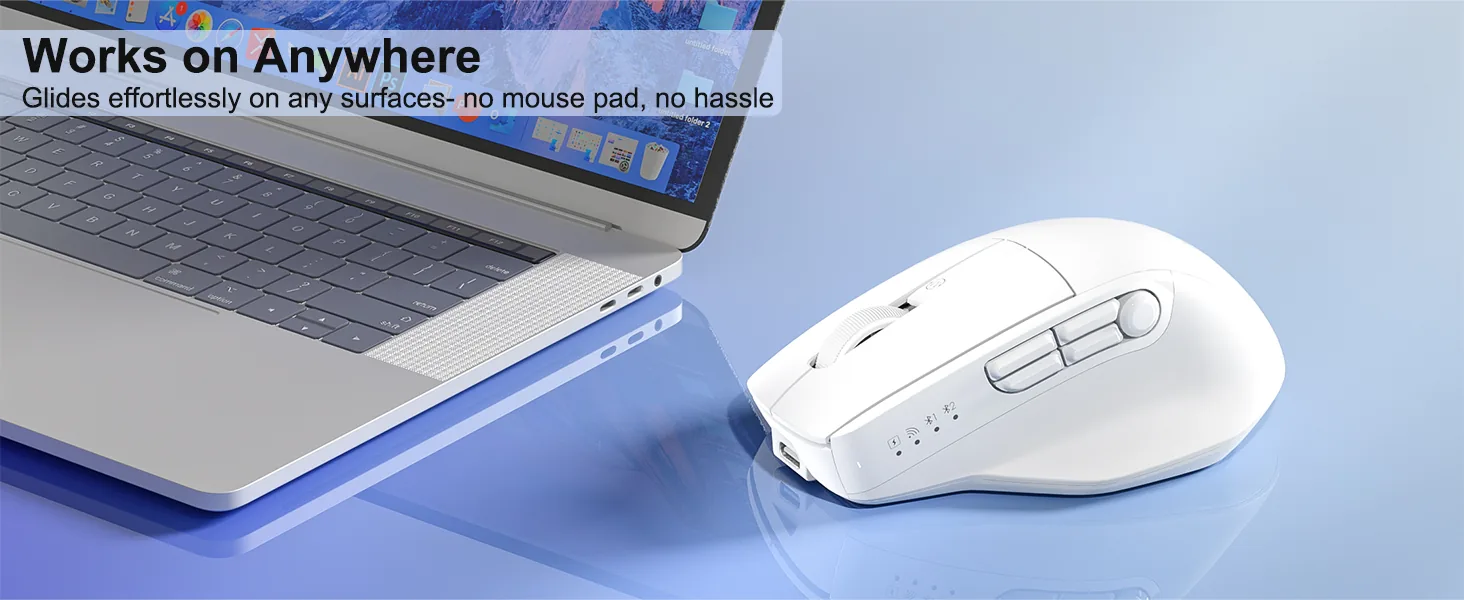
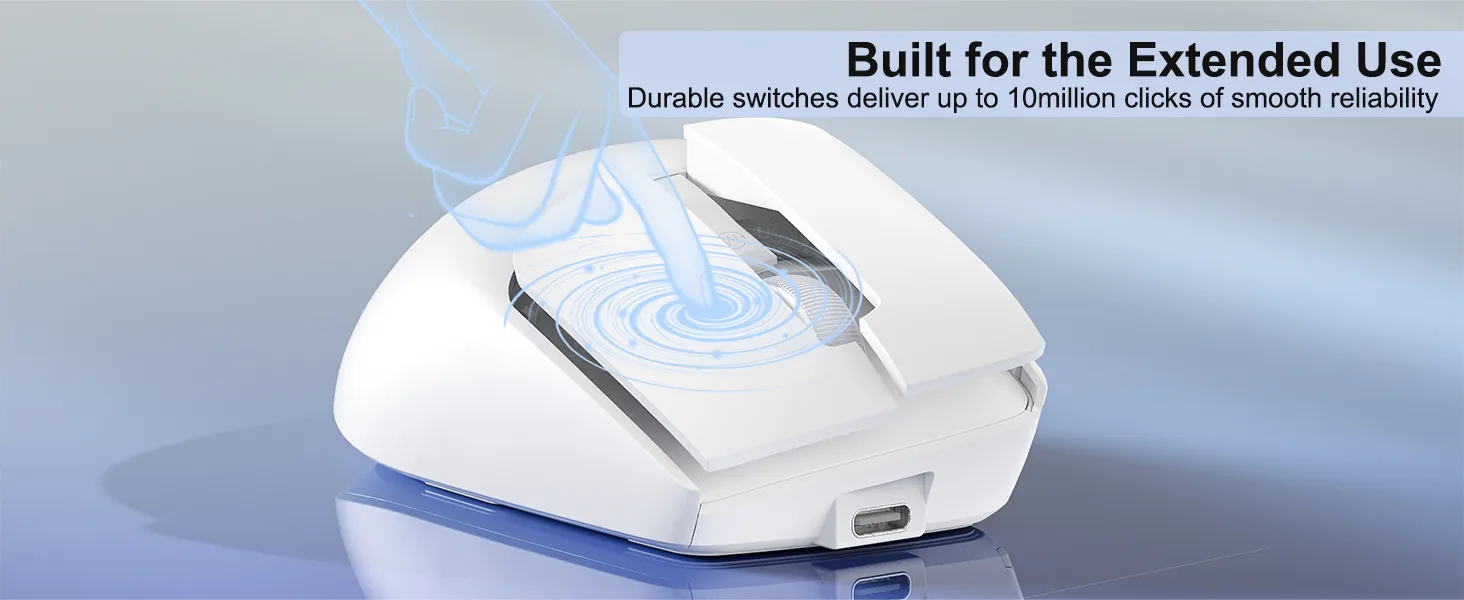
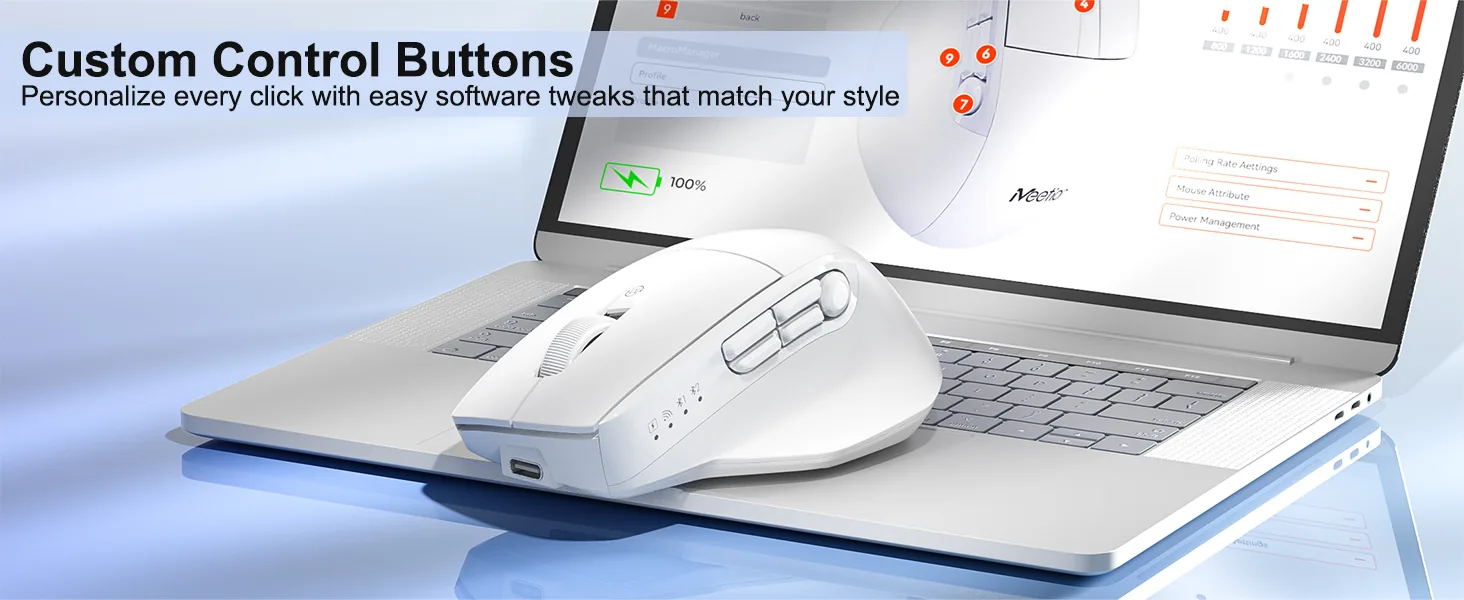
ガラス面対応、マウスパッド不要です 2. ABS素材 3. 700mAhバッテリー、2.3hの充電で140h使用できます 4. Windows/macOS対応 5. 10M回のHuano長寿命サイレントスイッチ 6. 800-6000 DPI 7. 9ボタン、ソフトウェアでカスタマイズ可能です 8. 117*74*43.5mm / 98g

カラー:White

在庫あり

システム対応

Windows XP/7/8/10/11、Vista、macOSに対応しています。

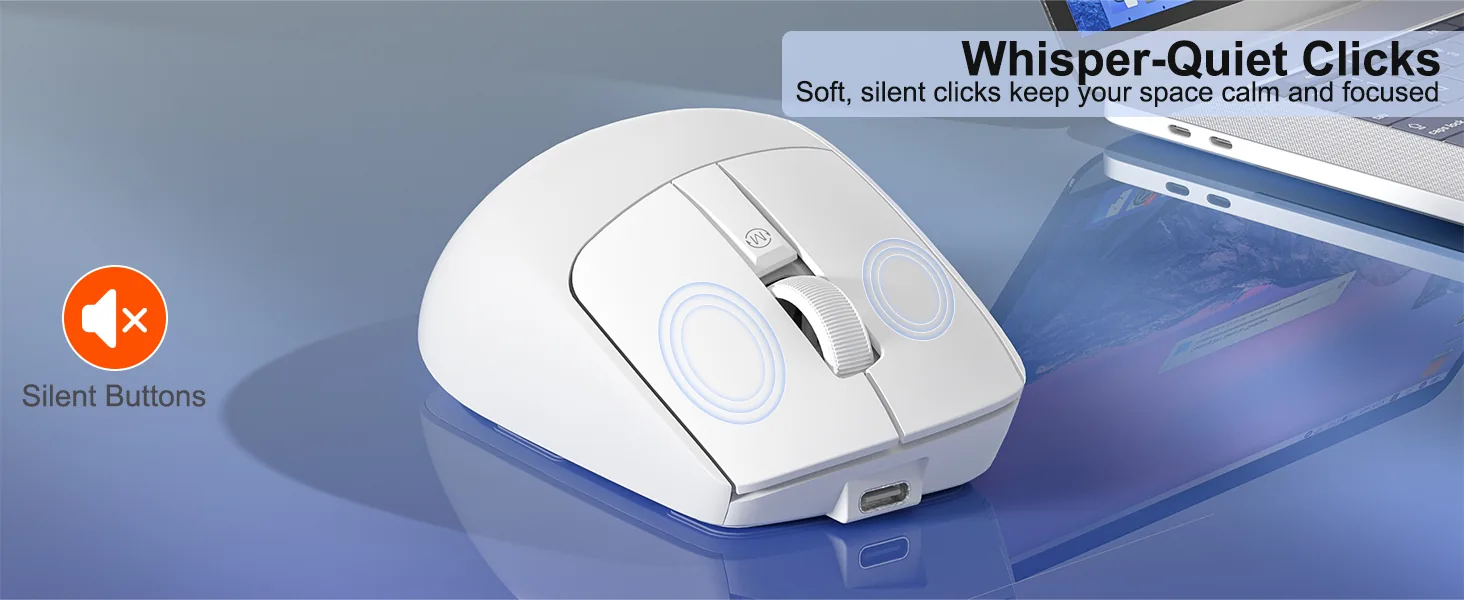
サイレントボタン設計

マウスのボタンはサイレント設計です。静かなオフィスでも、図書館での勉強中でも、深夜の作業中でも、快適なクリック環境を実現します。

バッテリー内蔵

低消費電力の省エネ技術を採用した新世代の700mAh内蔵バッテリーは、140hの使用でより省エネになり、環境保護にも貢献します。

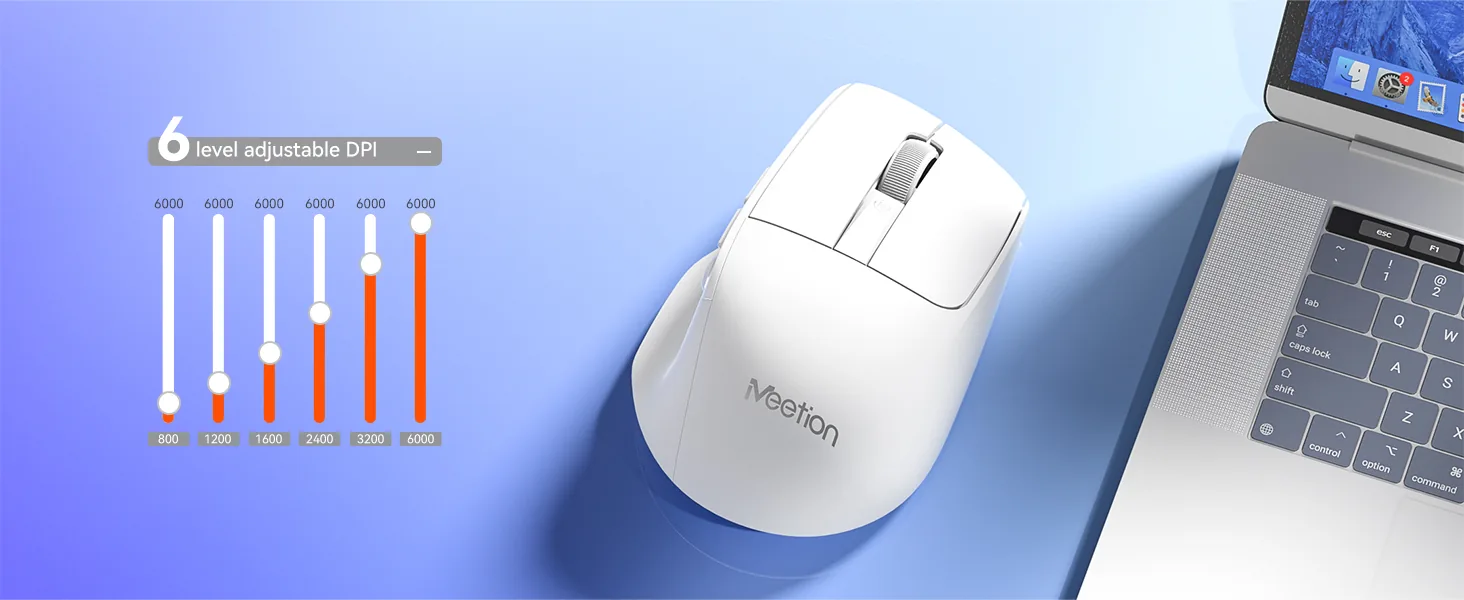
6段階DPI調整

6段階のDPI設定でカーソル速度をカスタマイズし、究極の精度を実現します。800~6000の範囲から選ぶことができ、あらゆる作業で正確な操作が可能です。

Type-C 充電ポート

最新のType-Cインターフェースを搭載し、2.3hで素早く信頼性の高い給電を実現します。使いやすいType-C接続で、高速で安定した充電が可能です。

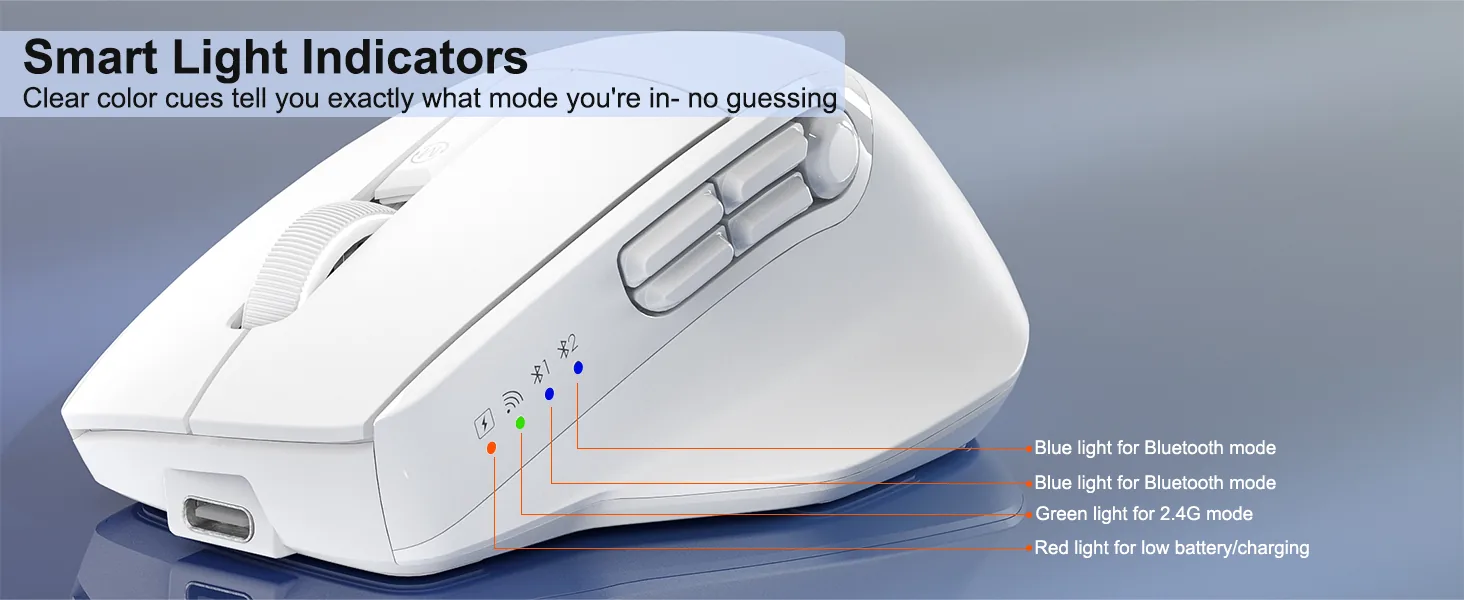
トリプルモードワイヤレス接続

有線、2.4G、BluetoothでタブレットやノートPCなどのスマートデバイスに接続でき、10メートル以内で安定した接続を実現します。

プログラマブルなトリプルモードワイヤレスマウス

カスタマーレビュー

4.6

5件のレビューに基づく

5★
3
4★
2
3★
0
2★
0
1★
0

5件中 1–5件を表示

Owen購入済み

Quiet enough for an open office

I sit in a room with eight other people and my old mouse sounded like a stapler. Nobody turns around now. The clicks are soft but still give a clear sense of having pressed something, which I did not expect at this price.

Stephanie B.購入済み

Perfect for travelling

It slips into my laptop bag and has become my go-to whenever I work away from my desk. I would have liked a slightly longer cable, but everything else is spot on.

Ryley V購入済み

Good shape, side buttons are a reach

Comfort and tracking are both fine. My thumb rests further back than the side buttons expect, so I hit the forward one by accident when I grip tighter during fast scrolling. Remapping it fixed the problem, though it is worth knowing before you buy.

Steven購入済み

Fits my hand without a claw grip

Medium-sized hands. The curve at the back supports my palm instead of forcing me to hover over it. The ache behind my knuckles went away after about a week of use.

Simon購入済み

Tracks fine on a glass table

I work from a kitchen table with a glass top and most mice skate around on it. This one holds a line. Sensitivity is right out of the box so I never opened the settings.
レビューは購入済みのお客さまに限られます。ご注文時のメールアドレスでサインインし、注文ページから投稿してください。

ヘルプとサポート

What DPI settings does the Anywhere3 Wireless Mouse support?

It supports 800-6000 (adjustable) DPI.

How does the Anywhere3 Wireless Mouse connect?

It connects via USB Wired / 2.4 GHz Wireless / Bluetooth.

Which operating systems are supported?

It supports Windows / macOS.

Which devices is the Anywhere3 Wireless Mouse compatible with?
  • Windows: Yes
  • macOS: Yes
  • Interface: USB-C
Where can I download the Anywhere3 Wireless Mouse user manual?

Download the Anywhere3 Wireless Mouse user manual. The page lists the languages and file size.

この製品についてお困りですか?

ご注文情報を添えてアフターサービスを申請するか、取扱説明書・ソフトウェア・設定動画をご覧ください。

マニュアルとダウンロード

取扱説明書

ソフトウェア